Secure P2P Connection Based on WebRTC

File Transfer Back to Peer-to-Peer

No client installation, no intermediate server. Achieve blazing-fast, private remote file browsing, transfer, and real-time desktop sharing right in your browser.

All-in-One Collaboration Toolkit

Break down device barriers — access remote devices as easily as your local hard drive

P2P Streaming

Based on WebRTC DataChannel, large files are transferred in chunks with no throttling and no server bandwidth usage.

Remote Desktop

Real-time screen sharing with audio sync, perfect for remote technical support and collaborative previews.

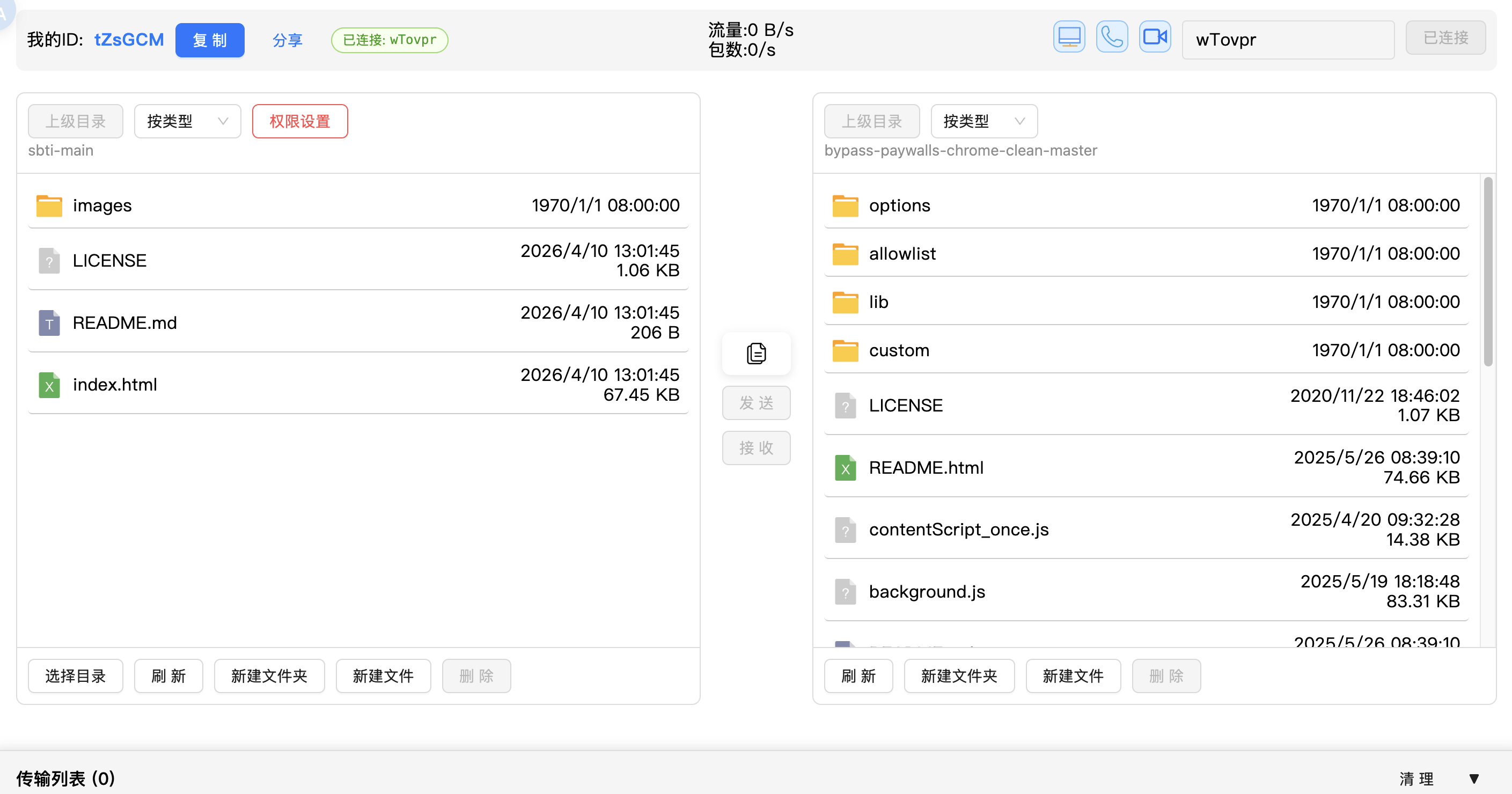
Remote File Management

Complete directory structure browsing with read and write permission controls for full security.

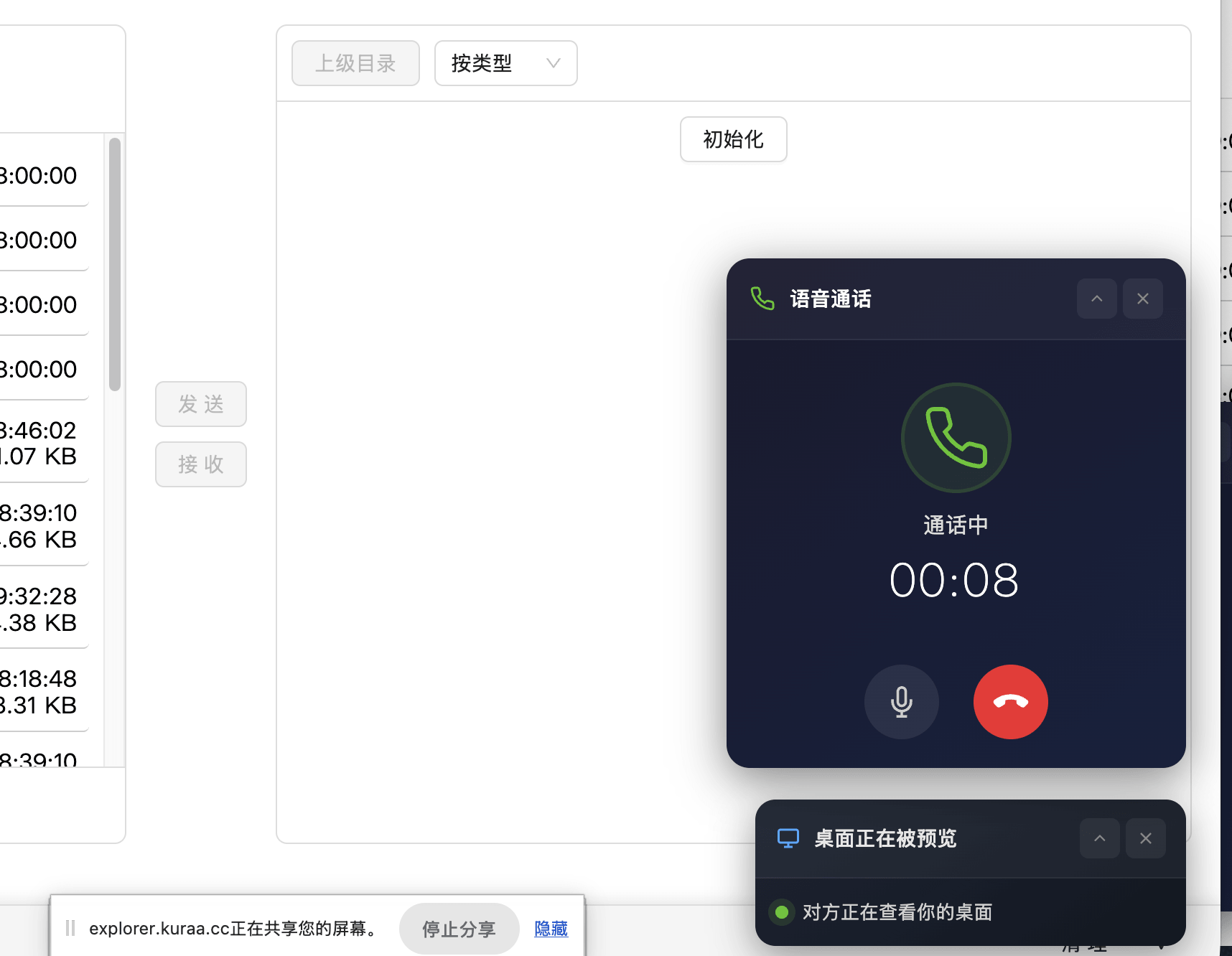
Voice & Video Calls

Built-in end-to-end encrypted voice and camera sharing for seamless communication during transfers.

Cross-Device Clipboard

Sync remote device clipboard text with one click, dramatically improving productivity.

PWA Offline Support

Install to your desktop like a native app for a cleaner, more immersive experience.

Screenshots

Clean and intuitive interface with powerful P2P features at your fingertips
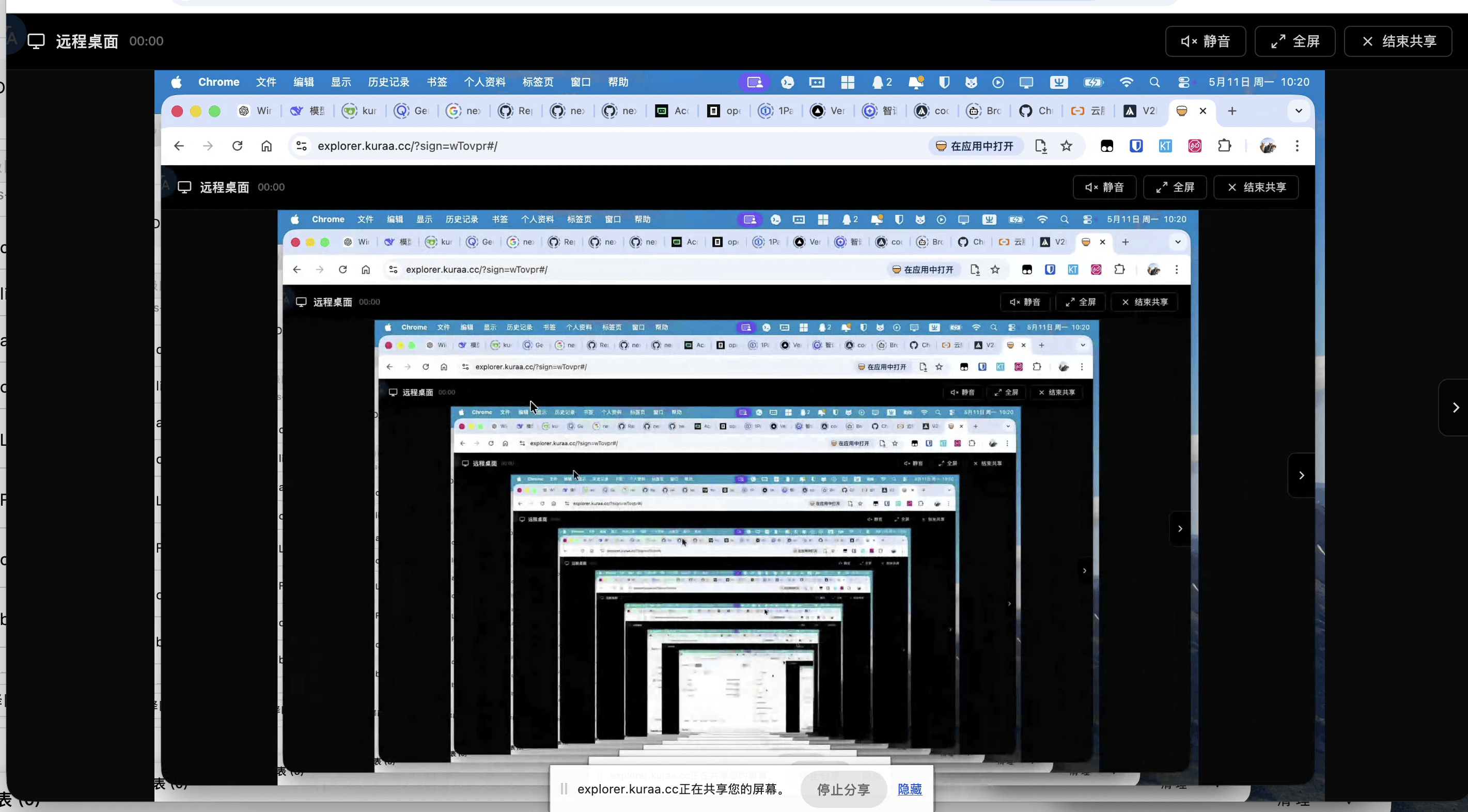
Desktop Preview
Remote Desktop Sharing
File Sync
File Transfer & Management
Voice and Camera
Voice & Video Calls

Transparent Architecture, Absolute Security

We only help establish the connection — your data belongs to you

Service Type Purpose Data Security
PeerJS Signaling Exchange ICE candidates, establish handshake Handshake only, no data touch
STUN Server Get public IP, assist UDP hole punching Network metadata only
TURN Server Relay in extreme network environments Self-host recommended for full privacy

Developer Deployment

Three steps to set up your private transfer node

# 1. Clone and install dependencies
git clone https://github.com/AndySkaura/p2p-explorer-web.git
cd p2p-explorer-web && yarn install
# 2. Start development server
yarn dev
# 3. Build for production
yarn build